 English
 I searched google.com for a Resource Viewer and you were right in the top of the list. I played with your trial version for only a few minutes and I was hooked! It's even more than I was looking for and I'm happy to add it to my arsenal of tools. I hope you keep on doing active development for the tool!
Resource Viewer and Browser
View and save resources of EXE, OCX, DLL, CPL, and many other executable file types.
Resource Tuner offers a thorough look at all of the resources in the Windows 32-/64-bit executable file (a variety of file types ranging from the common, such as EXE and DLL, to the less familiar types, such as DPL and CPL files), and allows you to view, modify, delete, and extract bitmaps, jpeg, png, icons, strings, Image Lists, and many others.  See the list of the resource types supported
When you open a file for browsing or editing resources, Resource Tuner shows you a directory-like structure of the embedded resources, such as images, sounds, dialogs, menus, XML data, HTML data, and toolbars. This resource tree can be expanded or collapsed by clicking with the right mouse button on the chosen resource type and selecting an action from the pop-up menu.
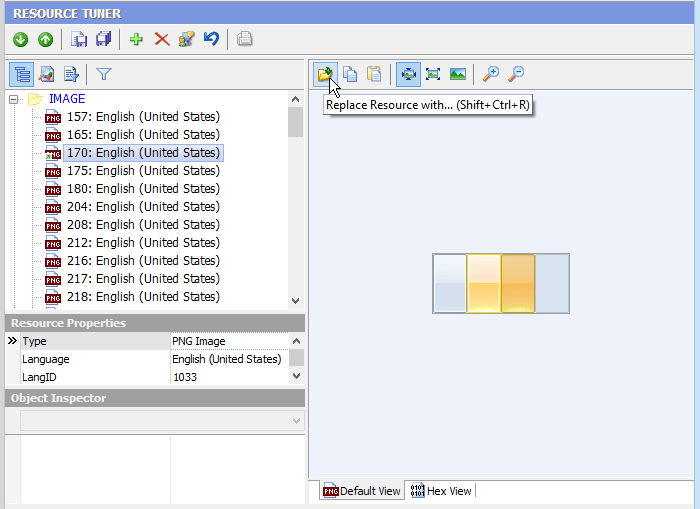
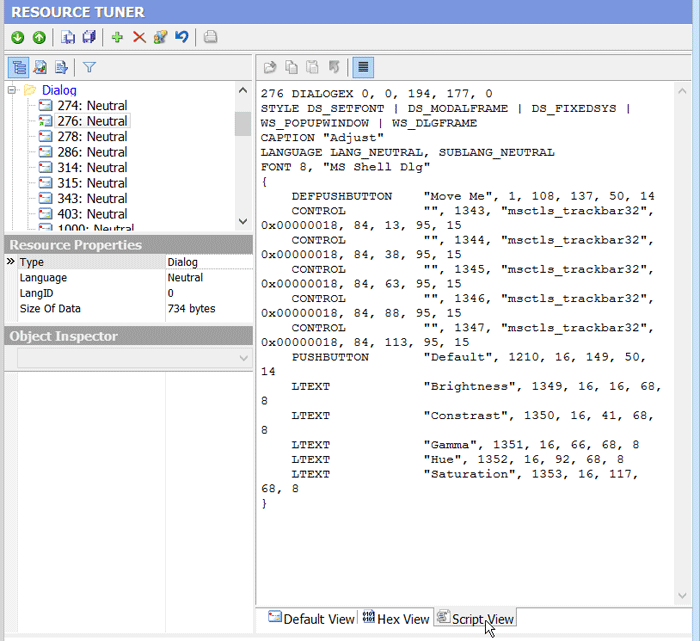
A selected resource will be displayed either as a graphic image, a text, or as raw binary data. Clicking on the View tab will show the data connected to that tab.
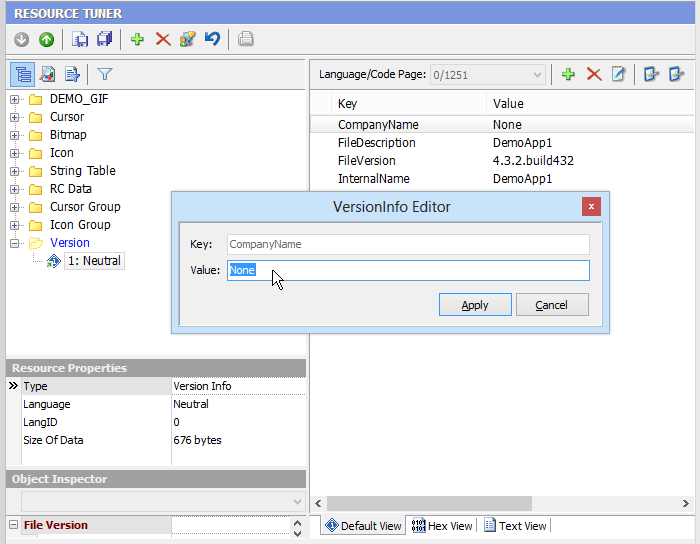
Programs compiled using Delphi and C++ Builder do not commonly have menu, dialog, or accelerator resources, but store this information in the resource type named RCData or the Application-defined resource (raw data) that holds the information that were in the DFM (Delphi Form Module) file before the compilation.
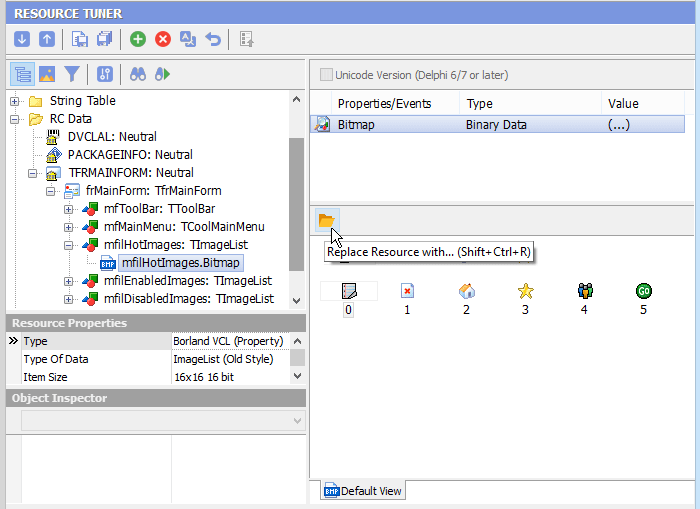
If RCData contains DFM forms, all the found objects with all assigned properties and events will be displayed in a hierarchical tree. You can navigate easily through the objects and save their contents (Image Lists, Strings List, Glyphs, Bitmaps etc).

Start Tuning Your Applications Now!

Resource Tuner runs on all versions of Windows, including 11, 10, 8, 7, and XP, and supports both 32-bit and 64-bit systems.