 English
Resource Editor: How To Delete A Resource
 Select the item to be deleted (e.g. Cursor) in the Resource Tree view. Press the Delete Resource button on the tool bar or use the hotkey combination [Shift-Ctrl-D].
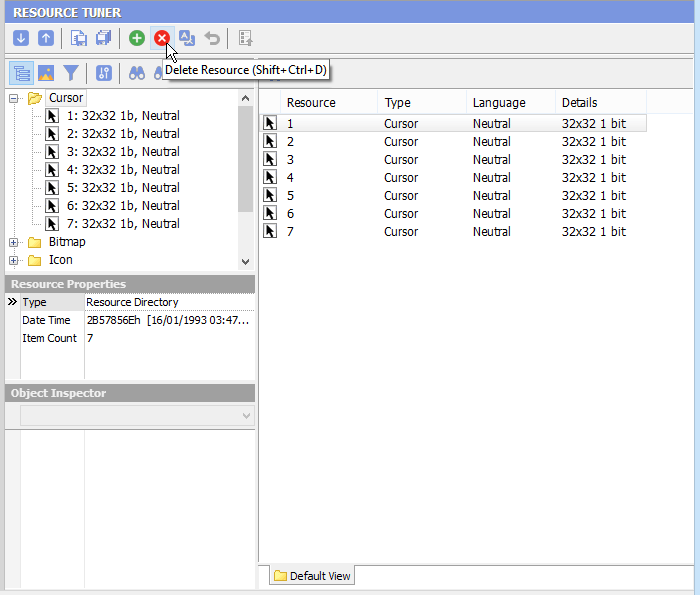
Items selected for deletion are indicated by a red x marker.
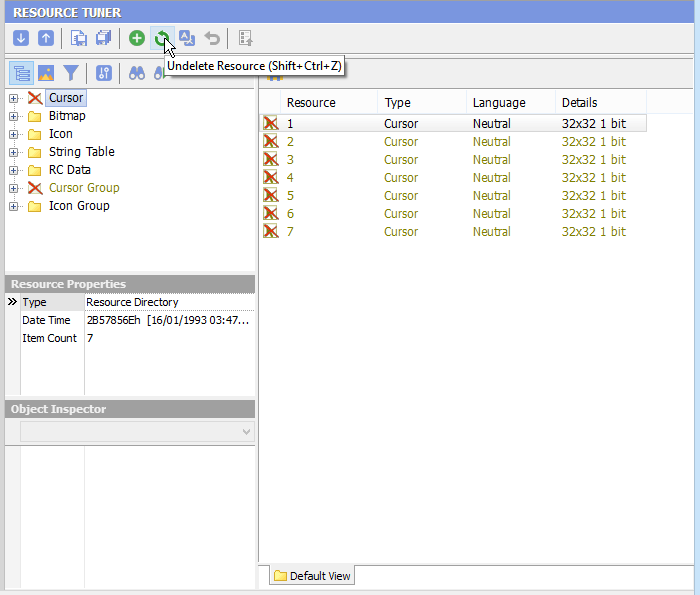
 To restore deleted items, use the Undelete Resource button on the toolbar or use the hotkey combination [Shift-Ctrl-Z].
Changes are made permanent only after you have saved them to the file.
Select 'File'  'Save File' to save the changes you have made to the target file.
 Give Resource Tuner a trial run for 30 days free! Once you try it, we think you will find it hard to go back to other resource hacking utilities. So if you decide to purchase it, it's only $49.95 for the Personal License. The Business license is available for $89.95.